
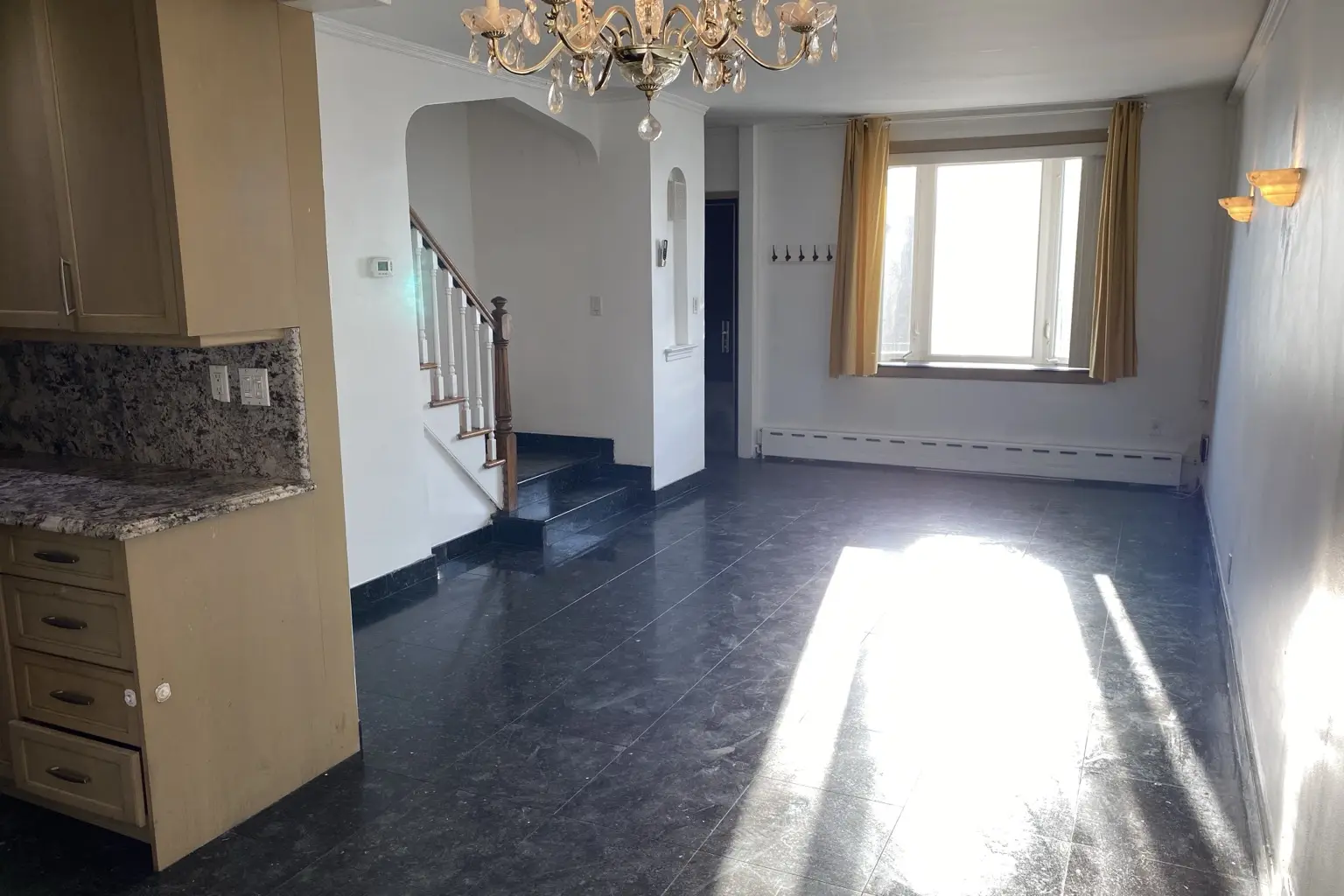
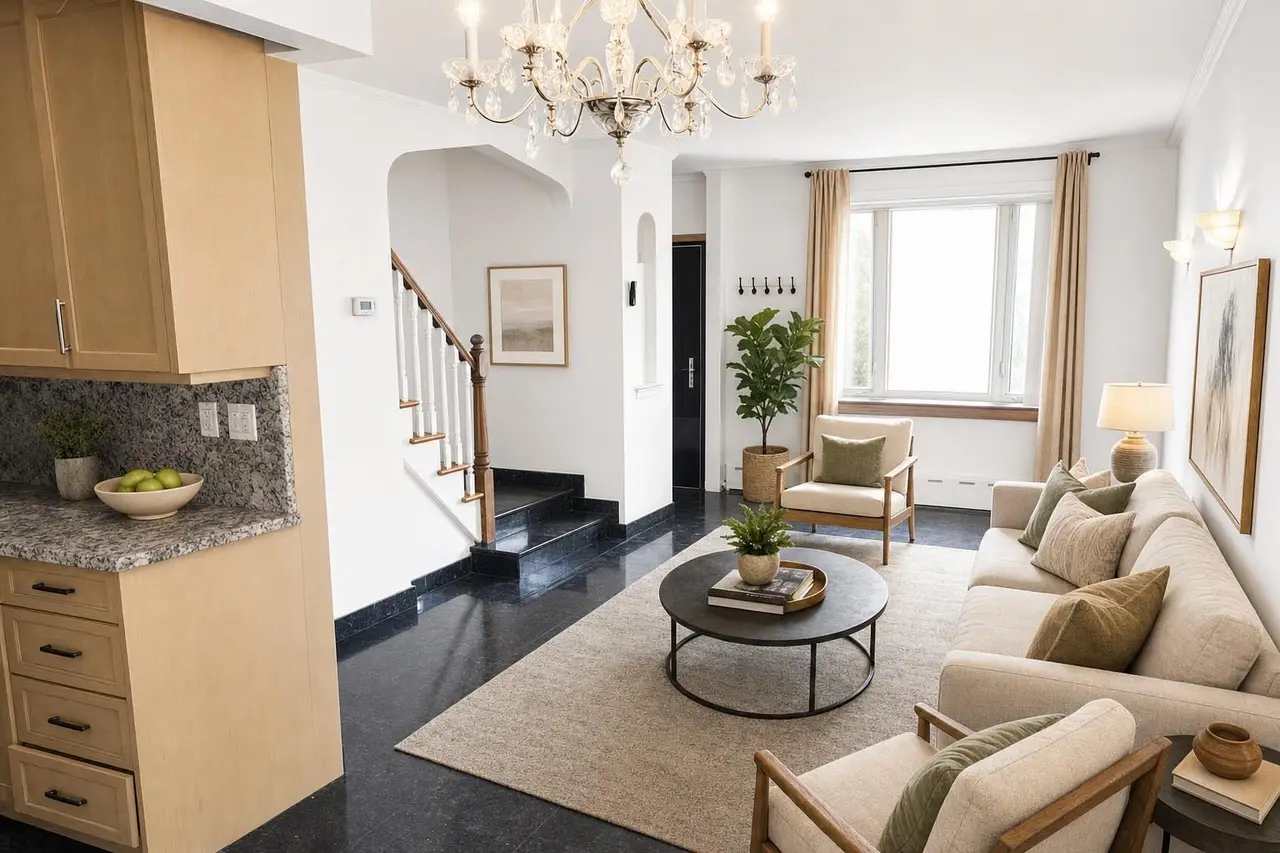
Virtual stagingEmpty living room
Add buyer-friendly furniture while keeping the room’s real architecture intact.
See virtual staging →Upload any room and get an MLS-ready result in about two minutes. Stylst preserves your real architecture—and checks every photo before you see it.
Stage, brighten, or declutter any room—without changing the real property.
No card required · Free watermarked preview · Pay only to download
Built for the way a listing actually goes live
Trusted by agents at
Stage, enhance, declutter, or create dusk. Every example starts with a customer photo and preserves the real property.
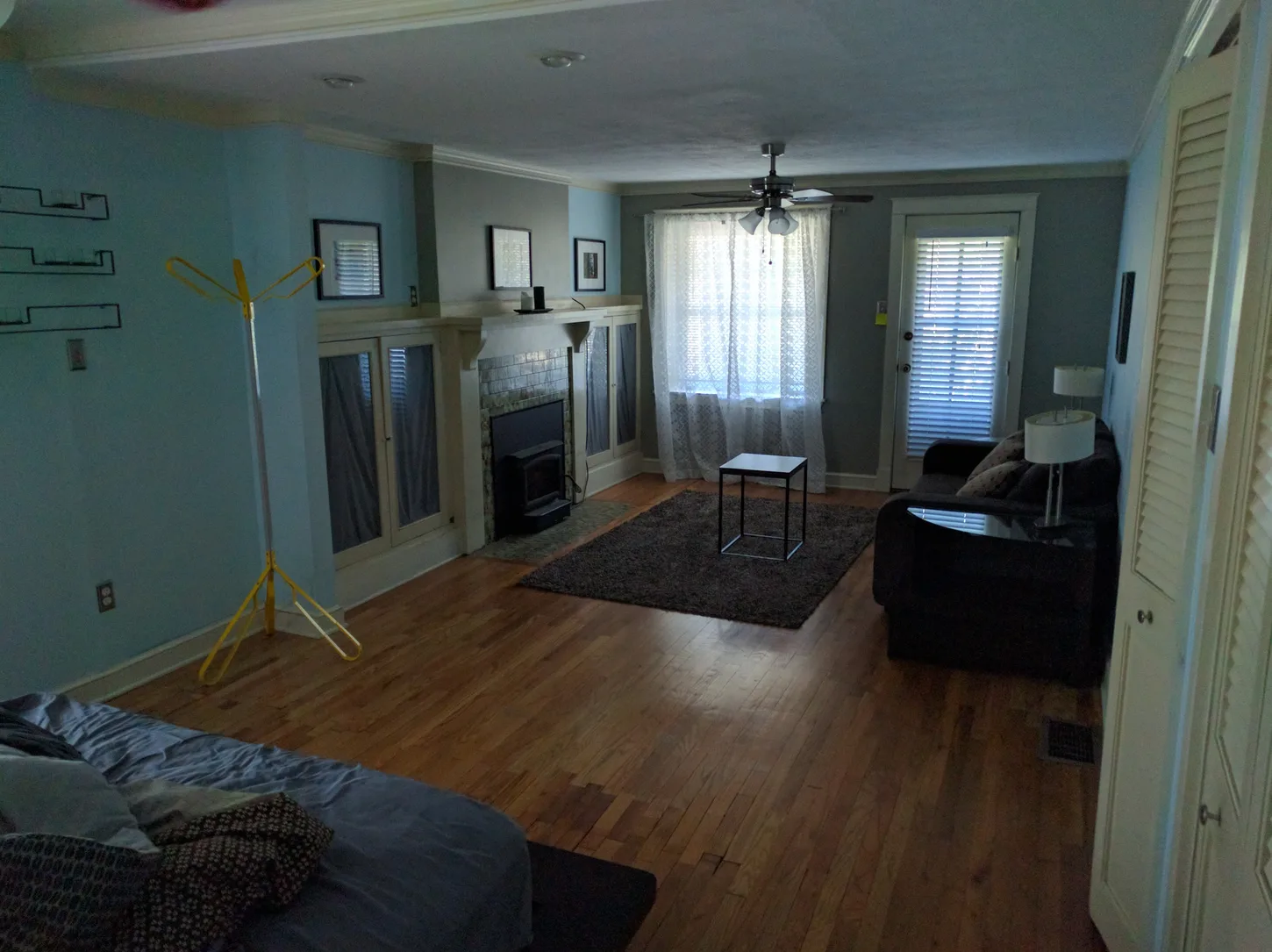
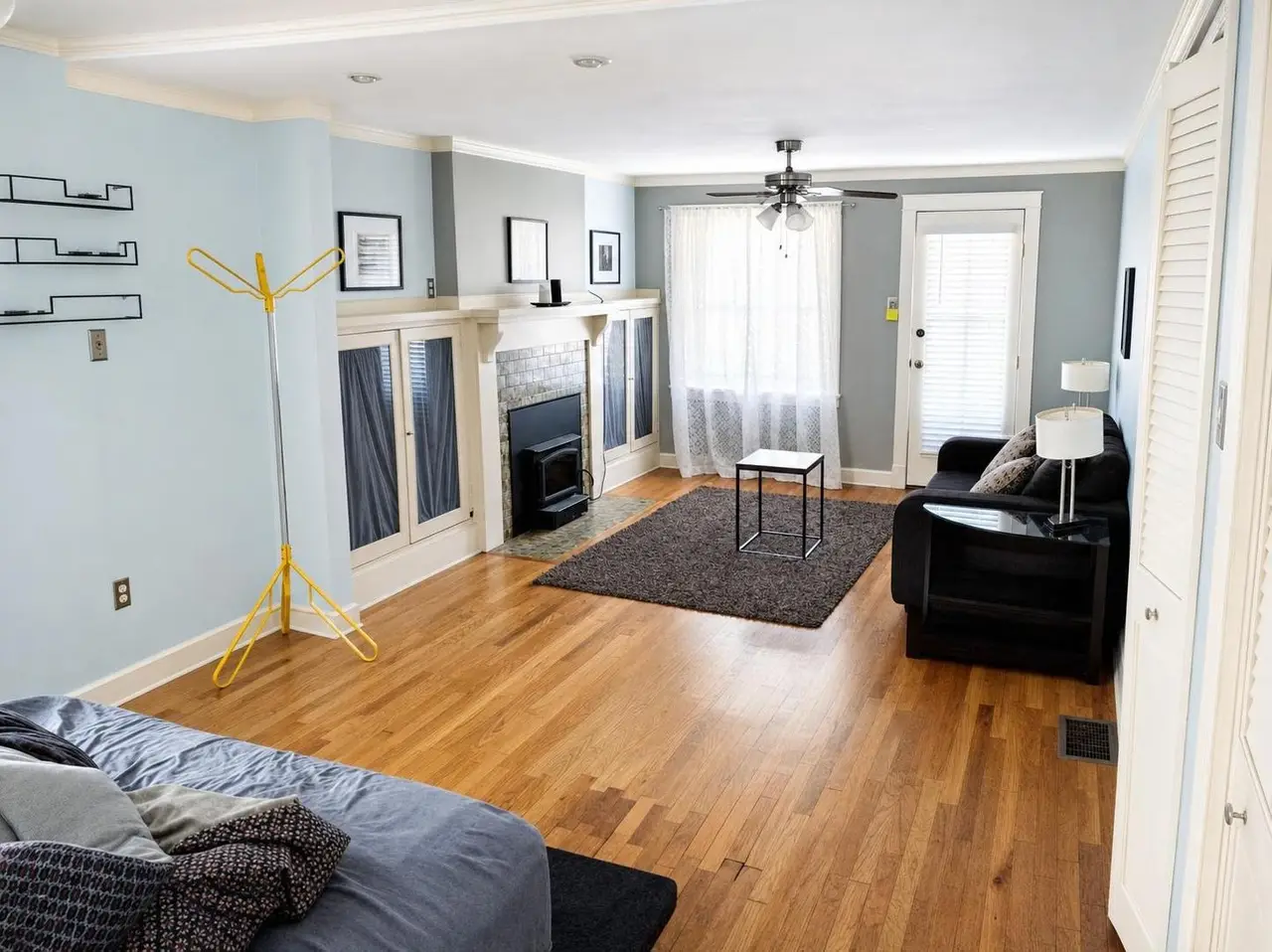
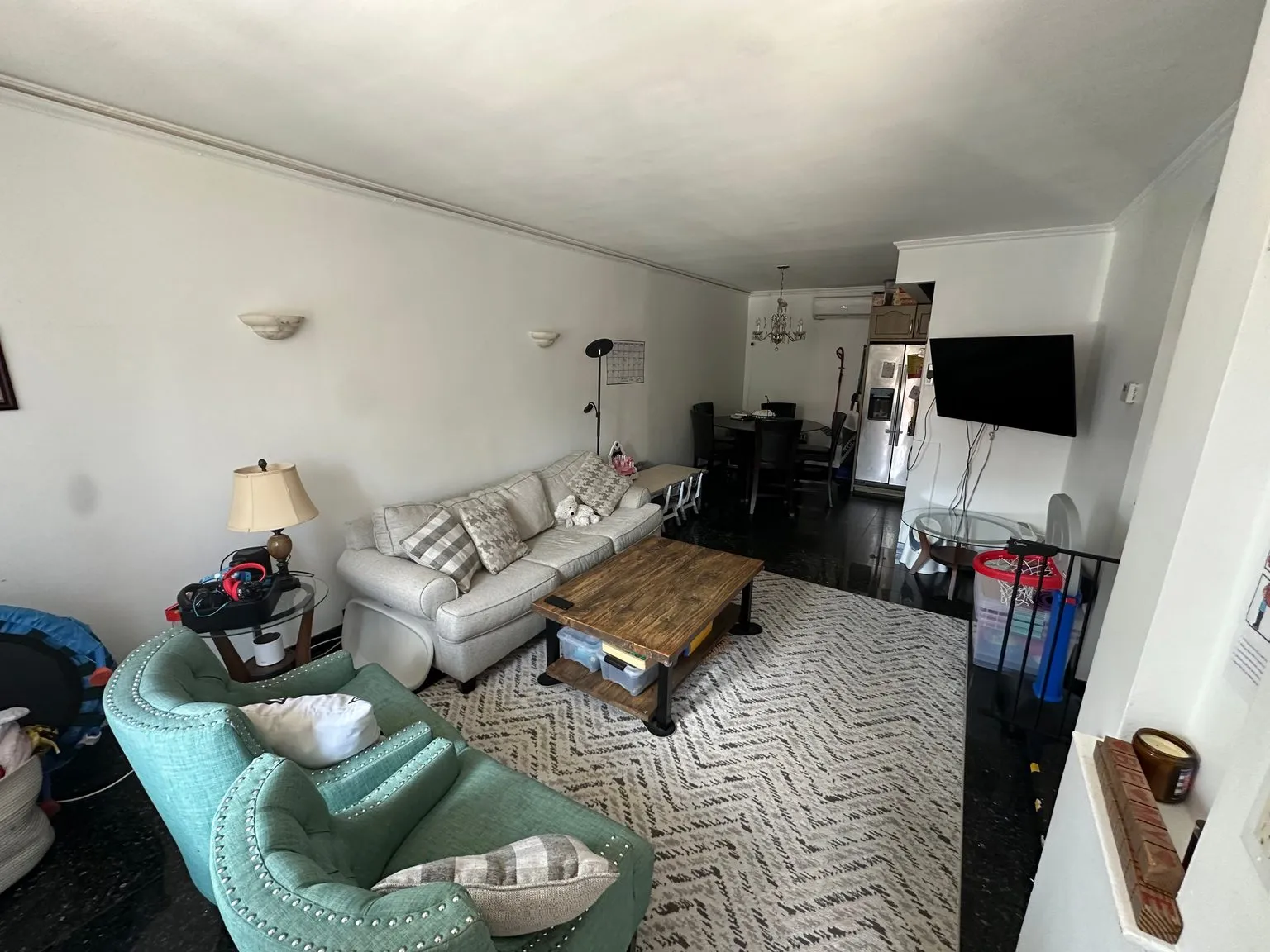
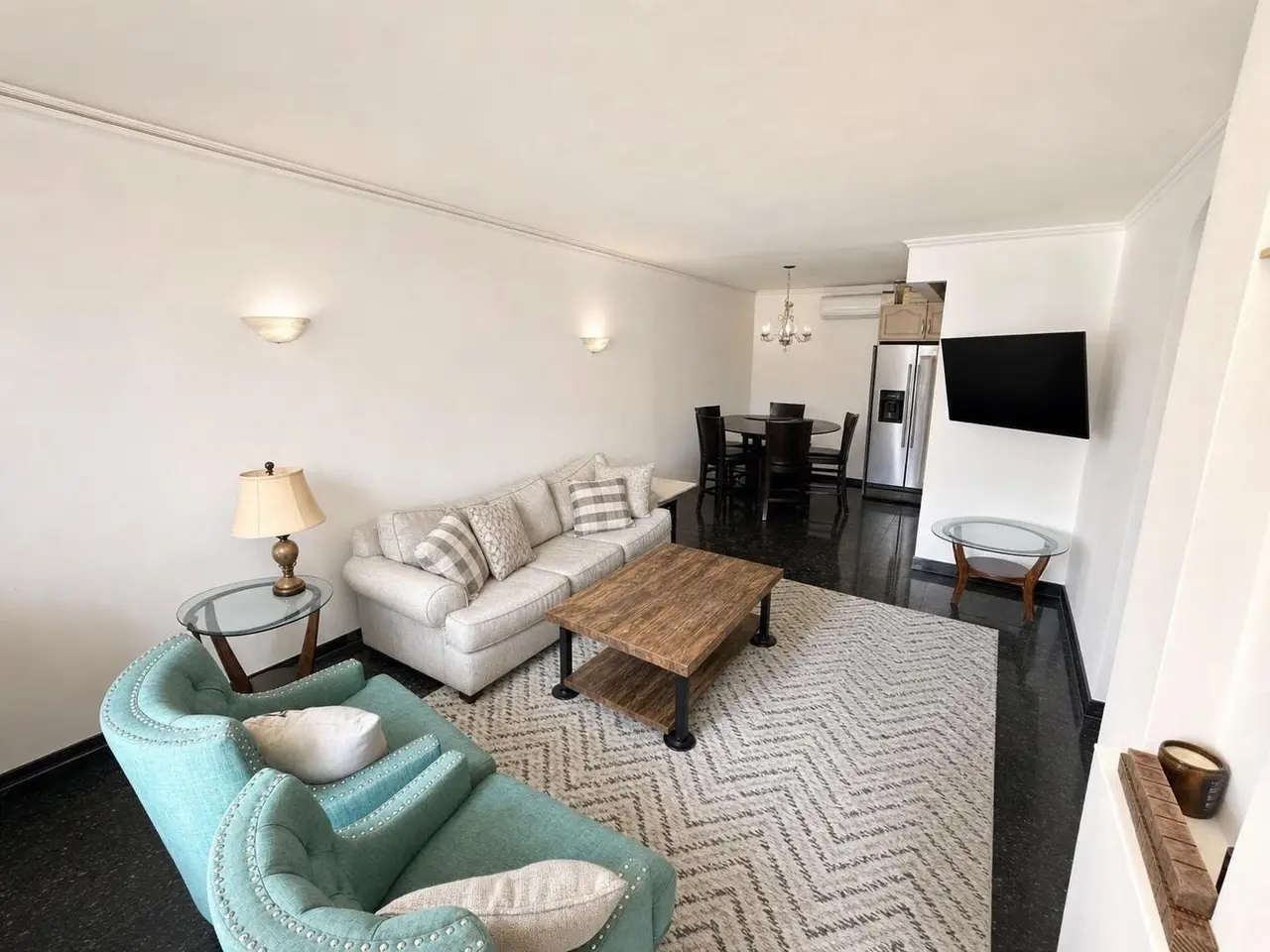
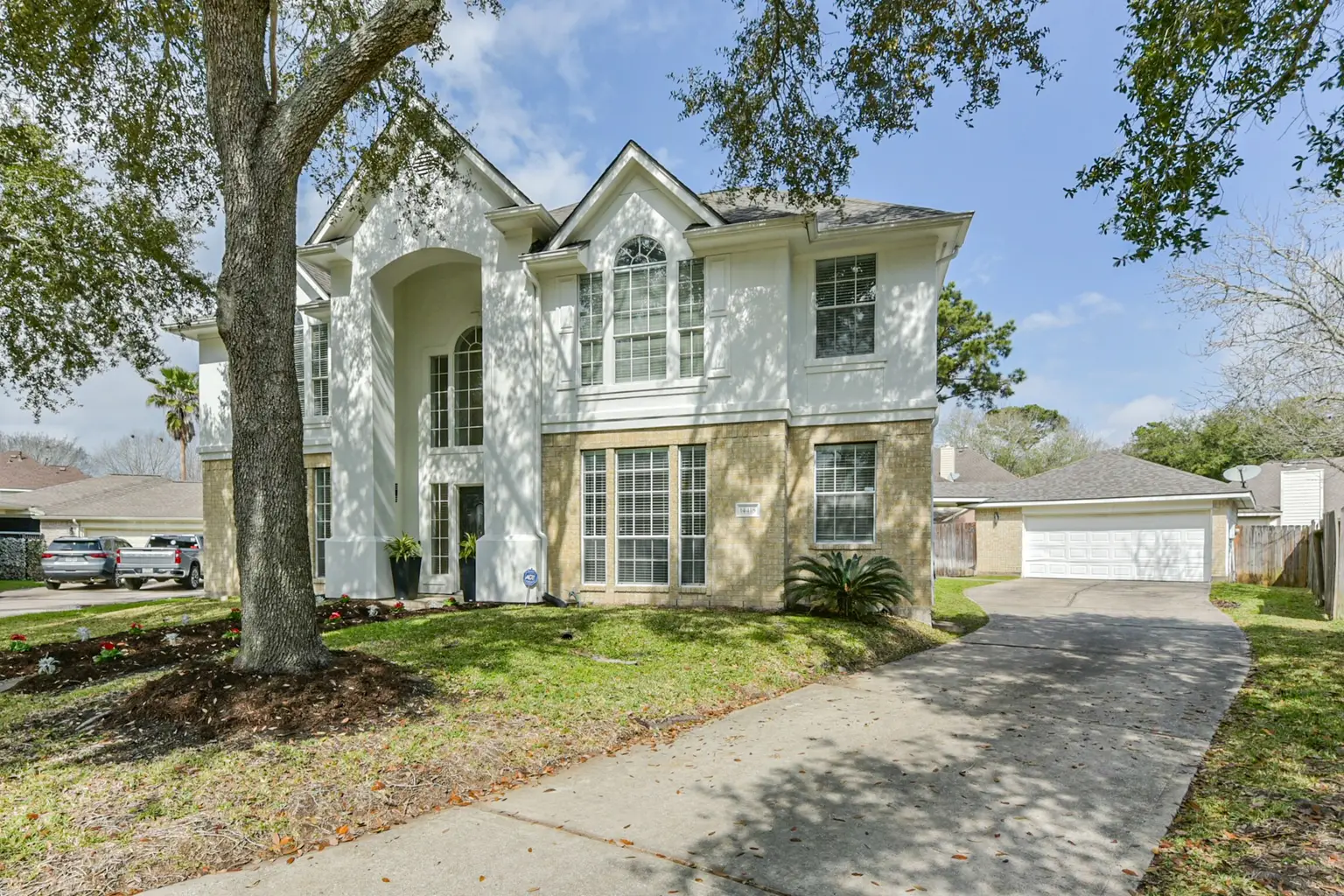
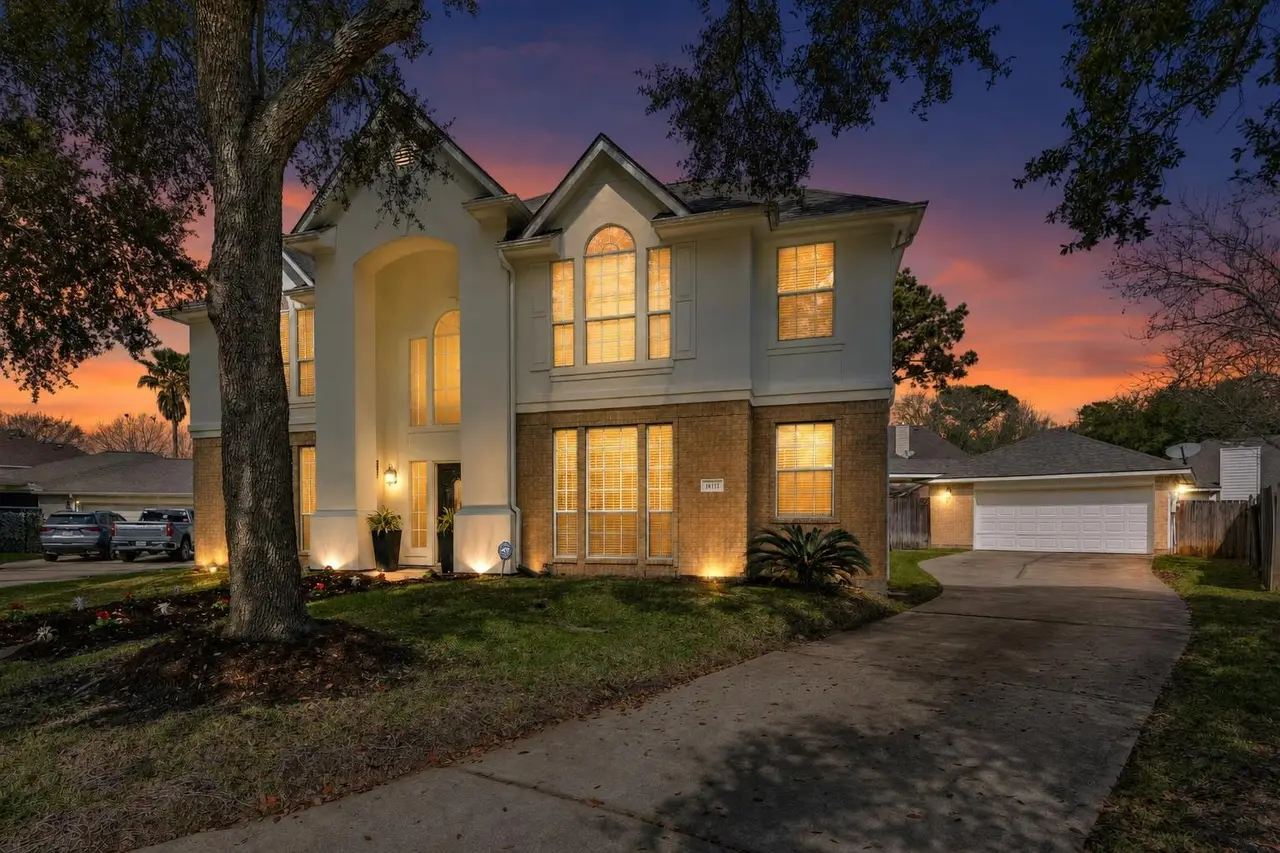
Same room. Better listing.
We finish the photo. We do not invent the property.Pick the job—not a complicated workflow. Every tool is tuned for real estate and keeps the property honest.
Furnish empty rooms in six buyer-friendly styles, with the same furniture carried across every angle.
View staging example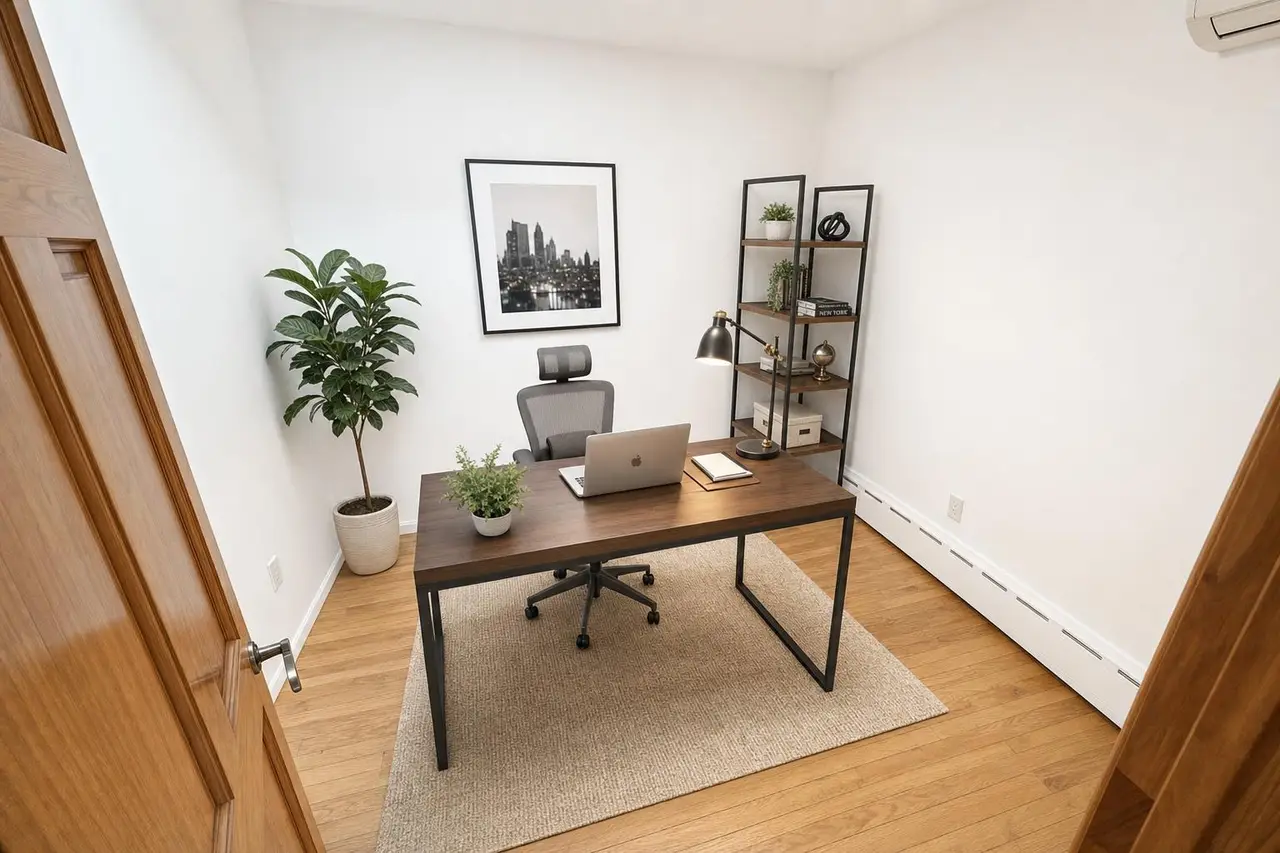
Correct dark, crooked phone shots. Brighter, straighter, color-true.
View enhancement exampleClear movable clutter and personal items while the real room stays put.
View declutter exampleFast AI is easy. Reliable AI takes one extra pass. Stylst inspects the result and reruns it on us when it misses your rules.
One phone photo or the entire listing. Stylst identifies every room before charging a credit.
Stage, enhance, declutter, or make dusk. Add a standing rule once and keep it for every photo.
Each result is checked against your instructions and paired with the original for easy disclosure.
Not stock reviews or polished hypotheticals—these are the people who used Stylst on the properties they needed to move.
“The vacant unit sat for three weeks. I swapped in the staged photos on a Sunday night and had four showings booked by Wednesday.”
“My phone photos made the house look dark and small. The enhanced set actually looks like the house. We went under contract in nine days.”
“I stage every vacant listing with it now. Sellers think I hired a photo team. It costs me less than a coffee run.”
Stylst keeps permanent features untouched, saves the original, and can label the result “Virtually staged.” Local MLS rules vary, so you stay in control of disclosure.
Your free result stays saved. Unlock it with any pack and keep going—no subscription required.
One listing
Stylst Plan
The make-it-right promiseDon't love a result? We'll re-run it free — or credit it back to your balance.
Still deciding? Start with the free preview. You will see your own result before paying.
Yes. On the web, your first result is a free watermarked preview. It is saved to your email, and any credit pack unlocks that exact photo as a clean download—nothing to redo and no card required to see the result. Free first photos are available in supported regions.
No. Walls, windows, doors, floors, ceilings, and the room layout stay where they are. Virtual staging adds furnishings; Photo fix corrects light and color; Declutter removes movable clutter; Day to dusk changes sky and window glow.
Virtually staged photos are widely used when properly disclosed. Stylst can add a “Virtually staged” label and keeps the original alongside the result. Requirements vary by MLS, so check your local rules.
Tell us what missed within 24 hours. We’ll re-run it free with your feedback. If it still misses, we credit the photo back to your balance.
No. Start with a pay-as-you-go pack. The monthly plan is optional for people who finish listing photos every month.
Yes. Open any photo, tap Change this photo, and tap the spots you want handled differently — up to eight of them. Each tap asks what should happen there: take this out, change this, keep this, or more like this. Pointing beats describing, because a room can hold four plants and “remove the plant” does not say which one. Re-rolls of a photo you already paid for are included.
Stylst stages what it can see, so the shot itself does half the work. Stand in the doorway and back up as far as you can. Keep the lens clear, because anything right in front of the camera reads as part of the room. Turn the lights on and open the blinds. Hold the camera level, about chest height. Shoot one room per photo and upload them all at once. And do not tidy for staging, because clearing the room is our job. If a photo you pick is likely to give us trouble, we say so before you spend anything, and you can always stage it anyway.
Use your own listing photo. See the checked result free. Decide from there.
Stage my first photo freeNo card · Free watermarked preview · About two minutes